Scope
Start from users, data, constraints and the smallest useful end-to-end result.
SERVICE · ALEXUYS
Excel and Google Sheets automation built around the real workflow, existing systems, integrations and production constraints.
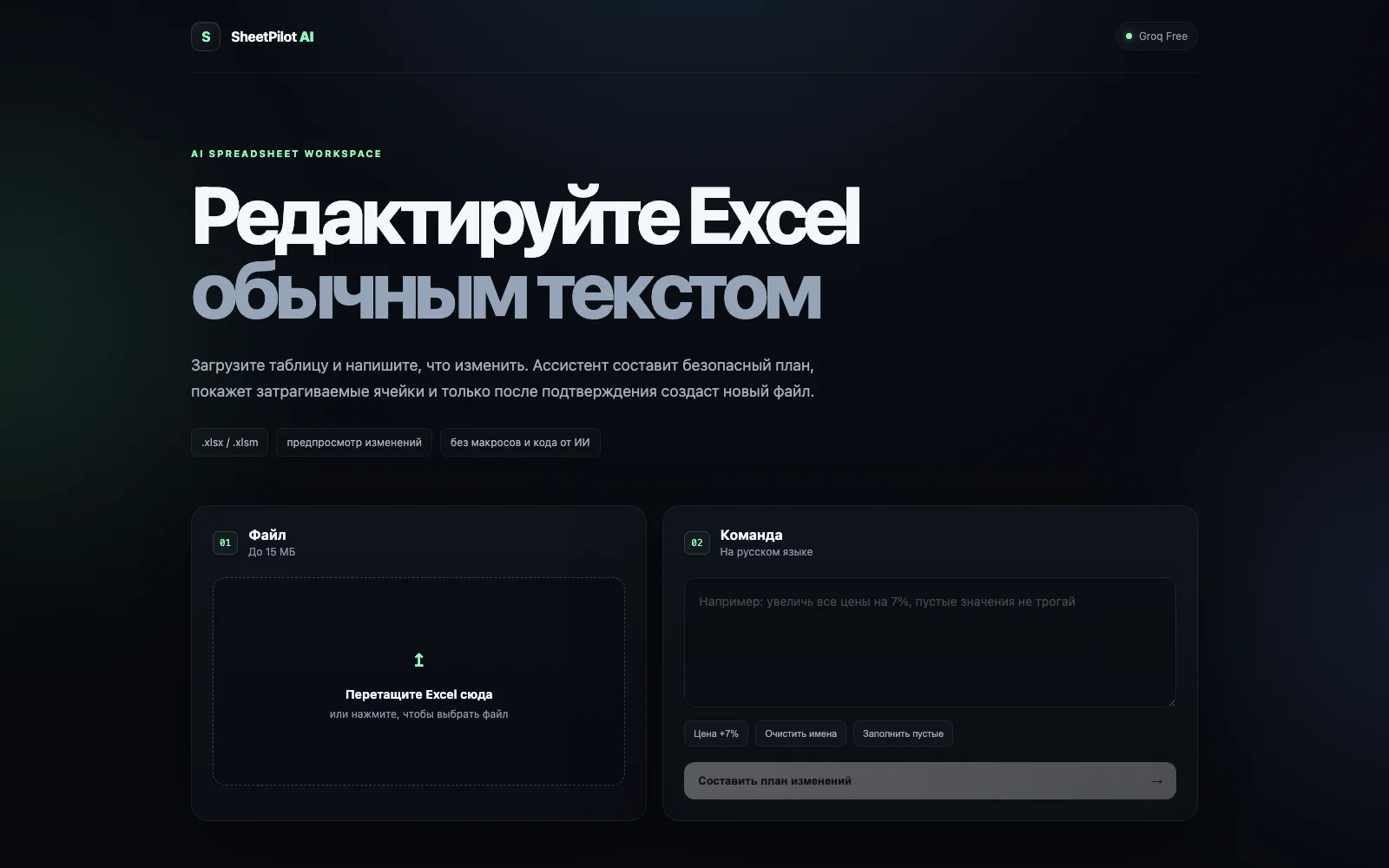
Excel and Google Sheets automation built around the real workflow, existing systems, integrations and production constraints.
Start from users, data, constraints and the smallest useful end-to-end result.
Excel and Google Sheets automation built around the real workflow, existing systems, integrations and production constraints.
Connect surrounding systems through APIs, webhooks and explicit error handling where required.
Deploy, check the real workflow and iterate from observed behaviour.
Users, current process, inputs, outputs and constraints.
Choose the smallest architecture that solves the actual problem.
Implement the complete workflow, integrations and edge states.
Deploy, validate real usage and iterate.
YOUR PROJECT IS NEXT
A few sentences about your project are enough to start. A link, design or existing code helps estimate the scope.
@Alexuys ↗alexgtup@gmail.com